

01
Remove the background and change color.
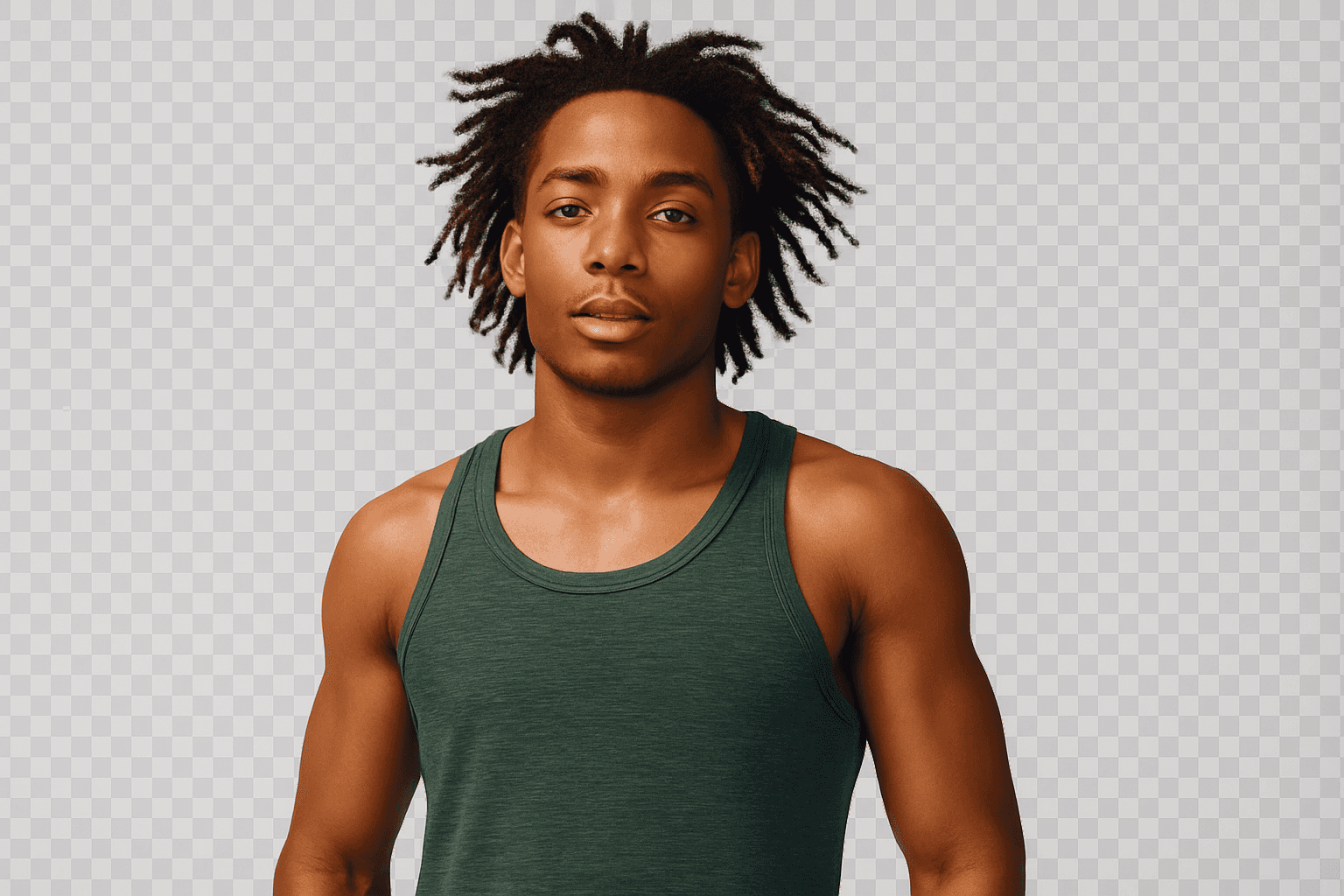
Create a crisp subject cutout, choose a transparent result or replace the backdrop with a clean studio color.
Cleanly isolate your subject, keep fine details and replace the scene with whatever fits your vision.

 BeforeAfter ✦
Create a crisp subject cutout, choose a transparent result or replace the backdrop with a clean studio color.

PixelGlows detects fine edges and individual hair detail for accurate cutouts without tedious manual tracing.

Move from simple to expressive with new colors, patterns and scenes for profiles, products and social posts.

Build branded backdrops, themed designs or minimalist studio shots while keeping your subject firmly in focus.
“The results look polished without making my photos feel over-edited.”
“It saves me so much time and still keeps every detail looking natural.”
“I uploaded a photo and had a result I loved in seconds.”