AI Object Remover
Select and erase unwanted elements from photos with pixel-perfect background reconstruction using AI.
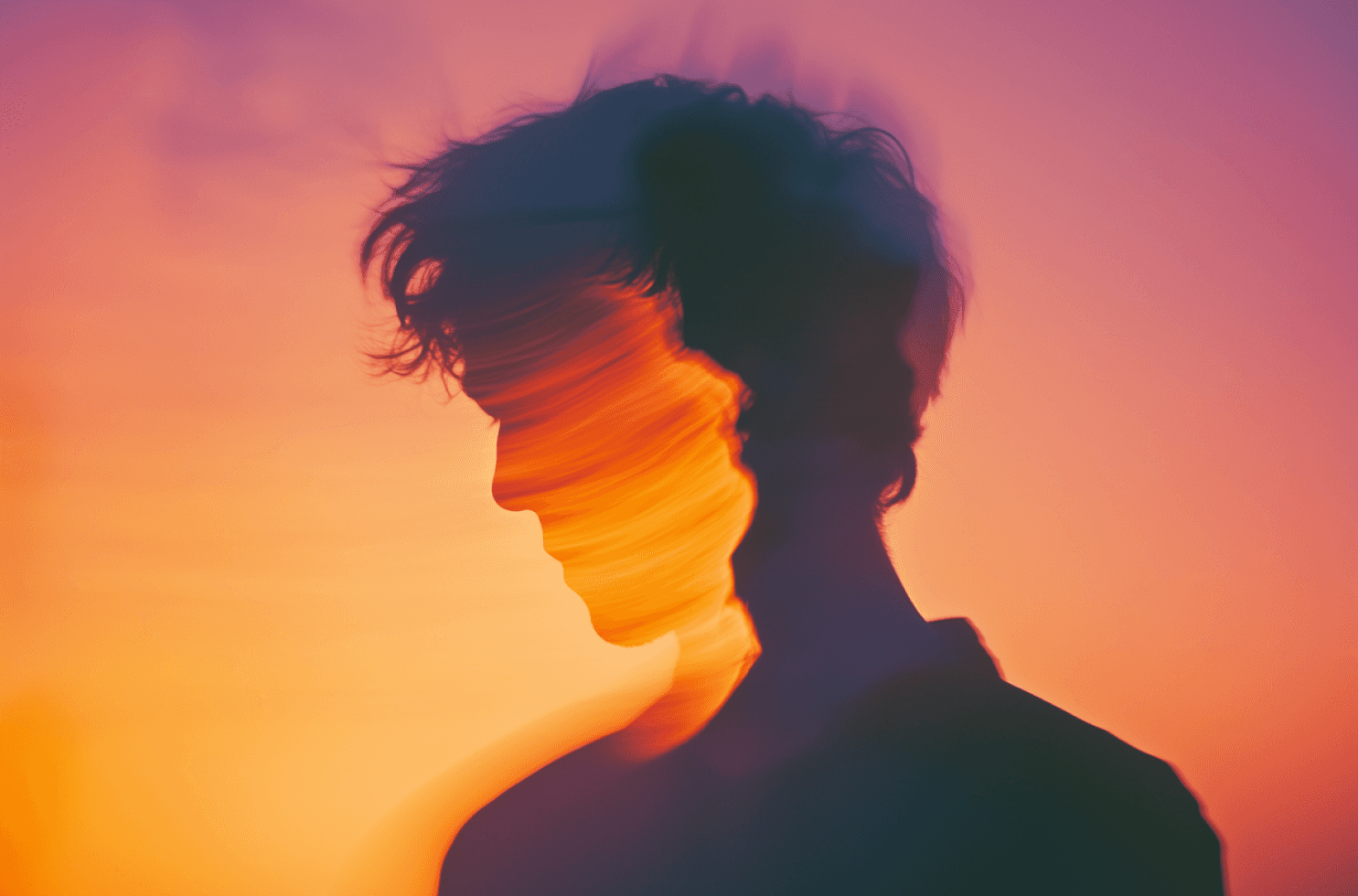
Effortless AI Photo Editing to Enhance, Retouch,
and Transform Instantly.


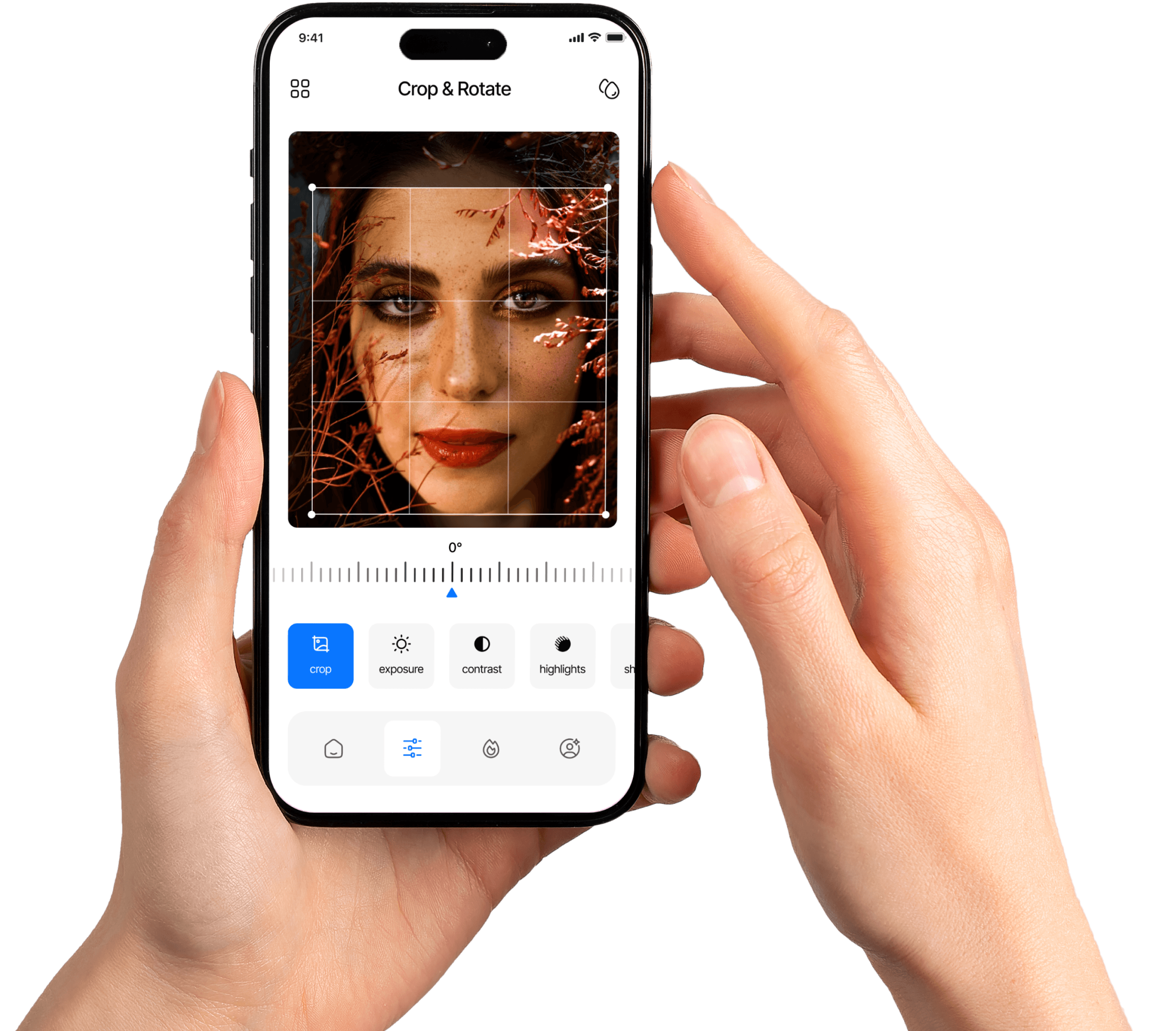
We’re on a mission to make stunning photo edits accessible to everyone — whether you're a casual snapper or a content creator. With AI-driven tools and a user-first design, PixelGlows helps you express your vision beautifully and effortlessly.
Every result below was generated by our AI editor from the same original photo. Drag the slider to compare.
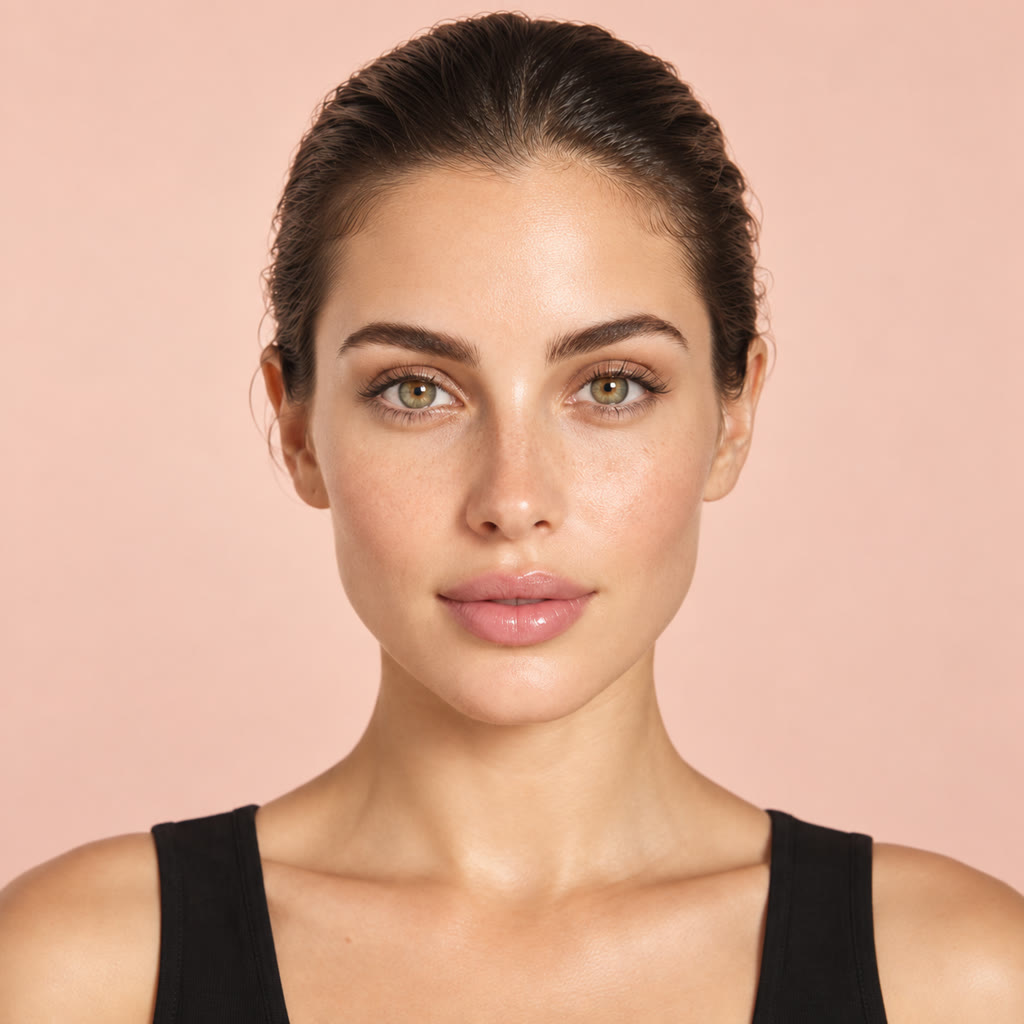
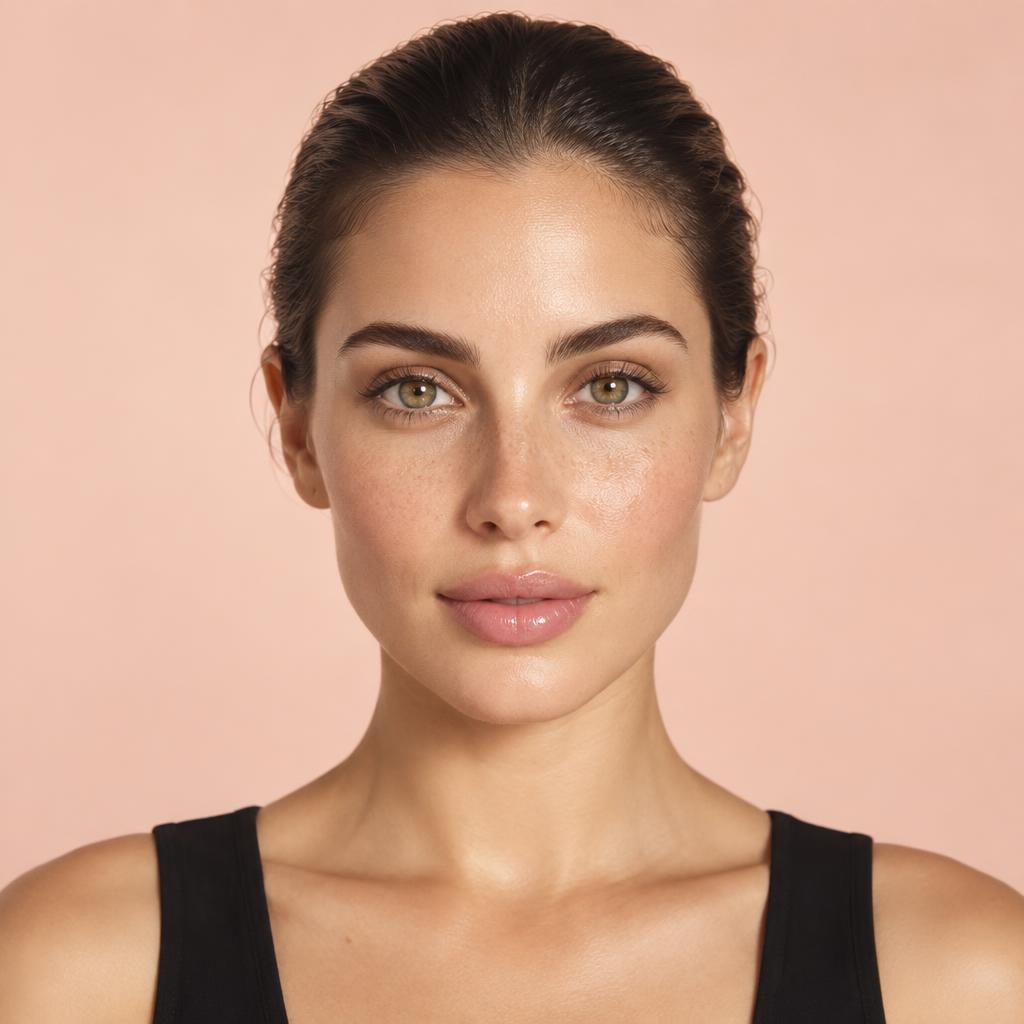 BeforeAfter ✦
“Subtle natural retouch with softer, brighter light”
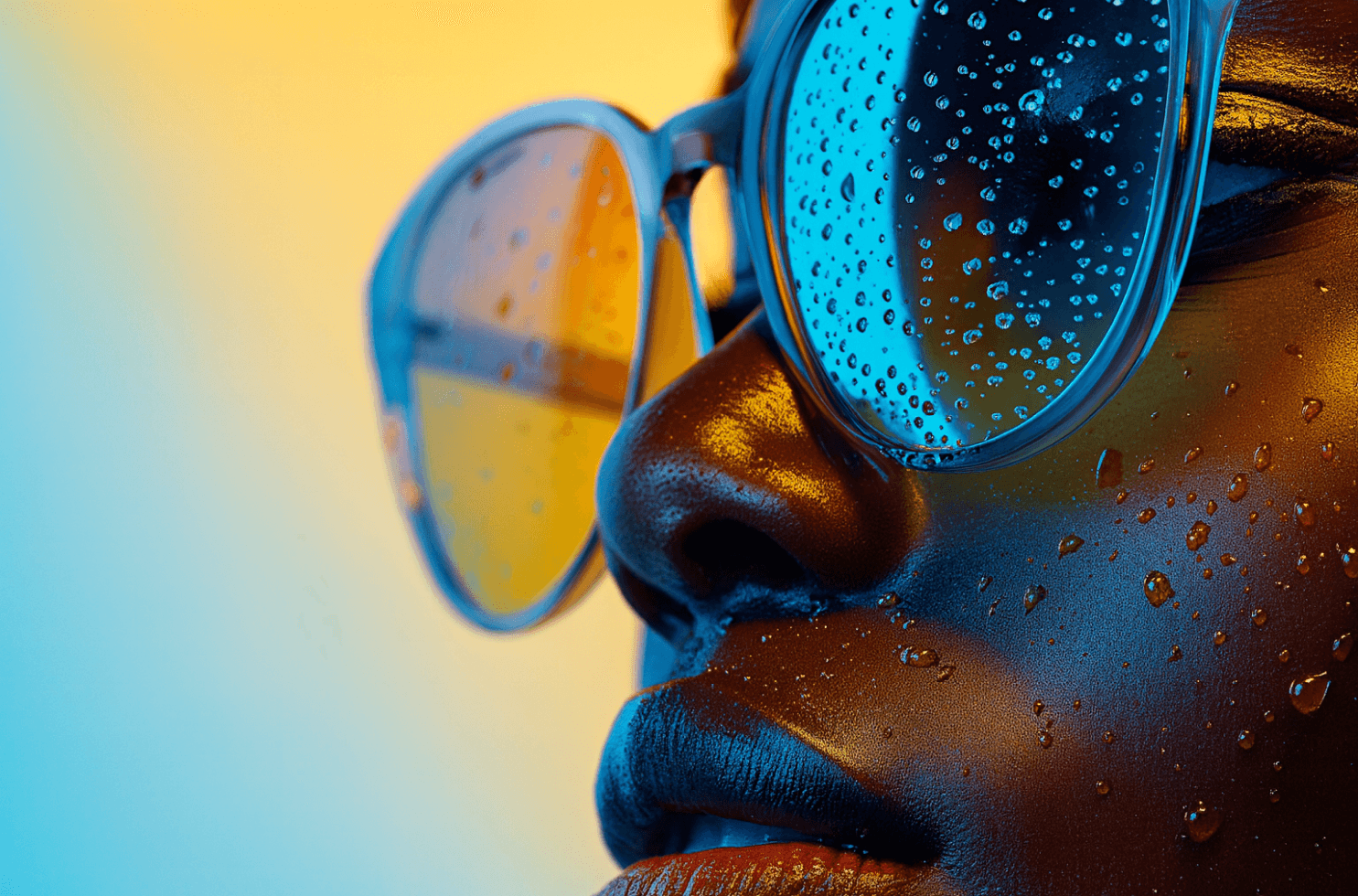
Select and erase unwanted elements from photos with pixel-perfect background reconstruction using AI.
Turn any photo into artwork by applying styles from famous paintings or cinematic color tones.
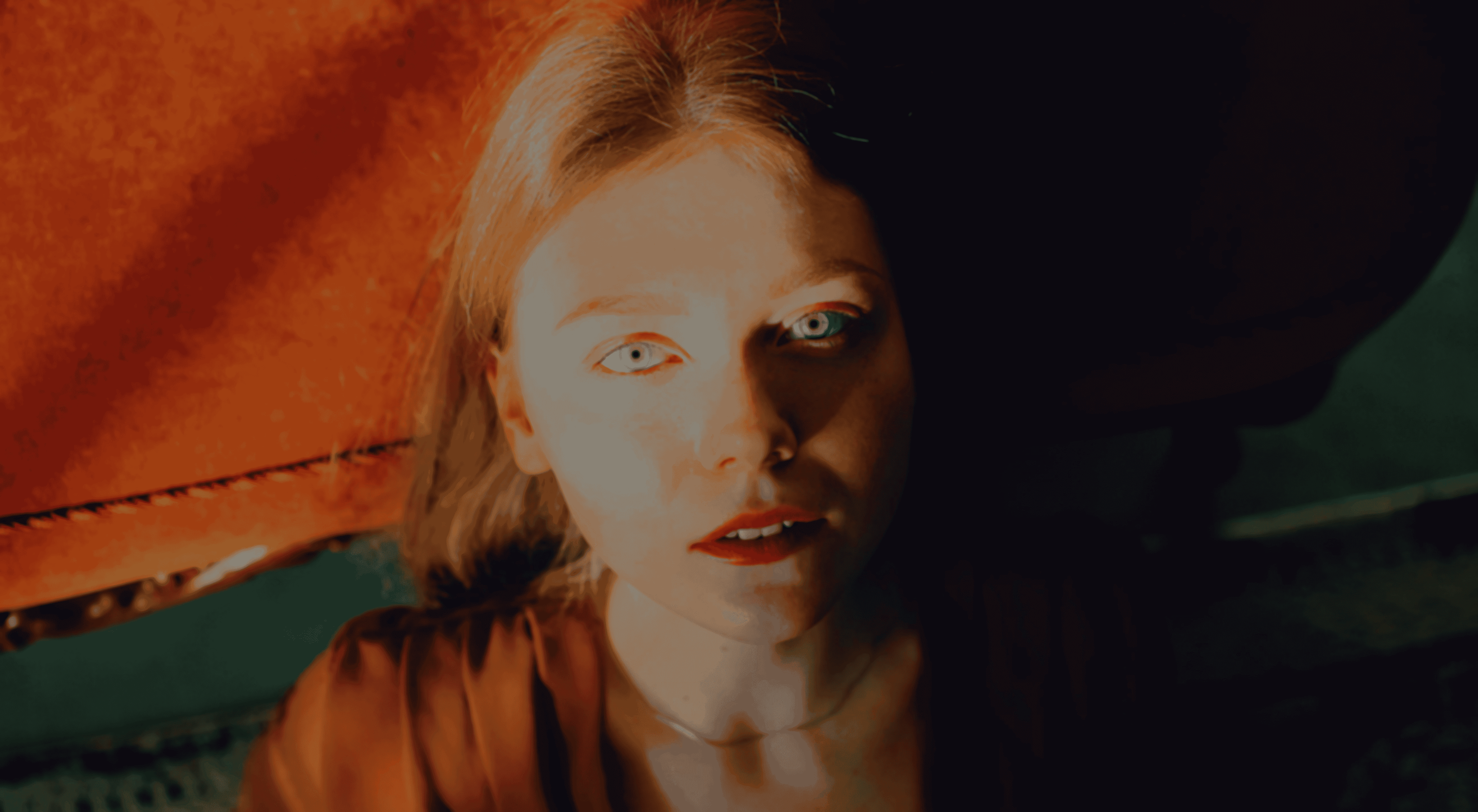
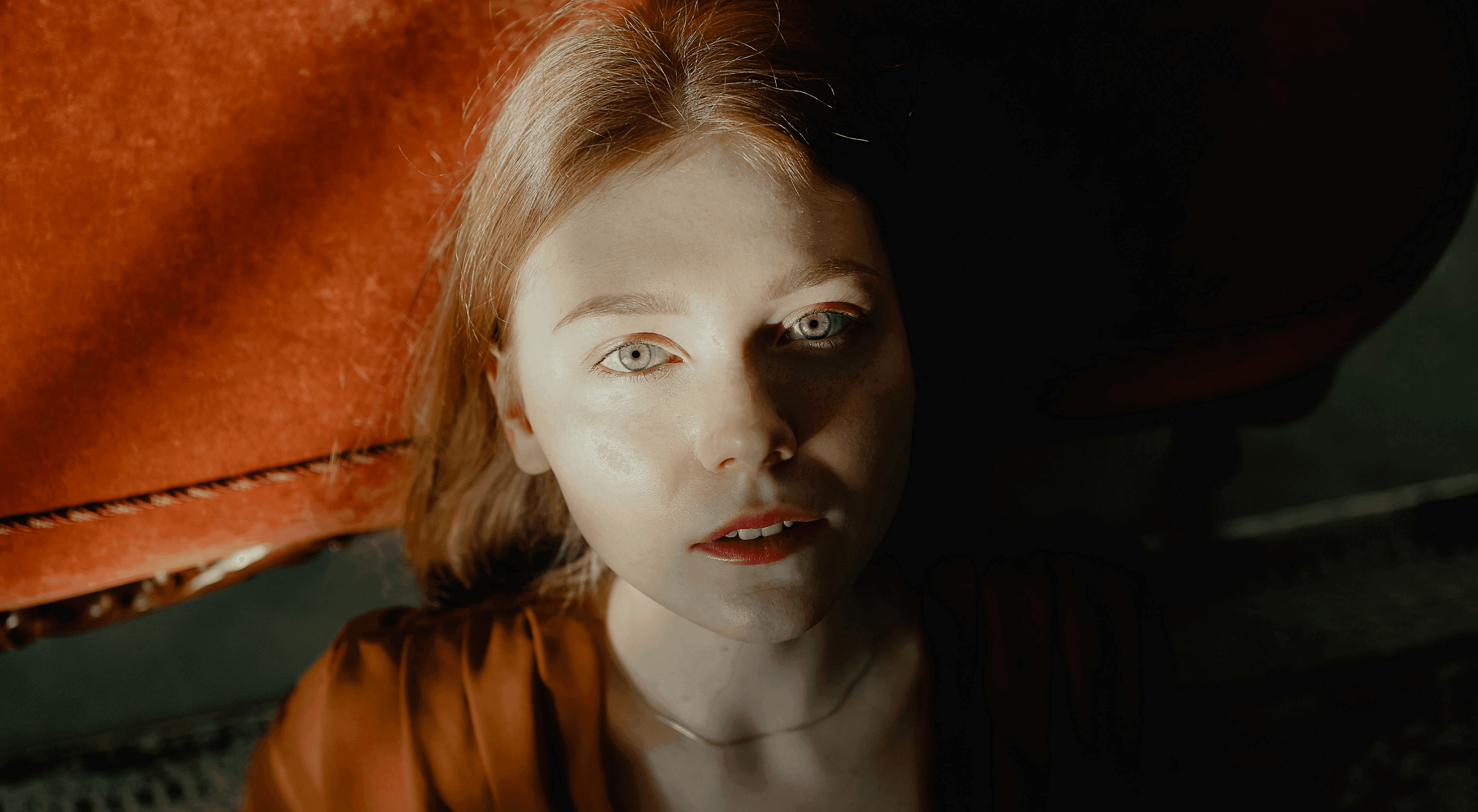 BeforeAfter ✦
Powerful tools that make editing fast and effortless.
Bring your vision to life with tailored AI edits.
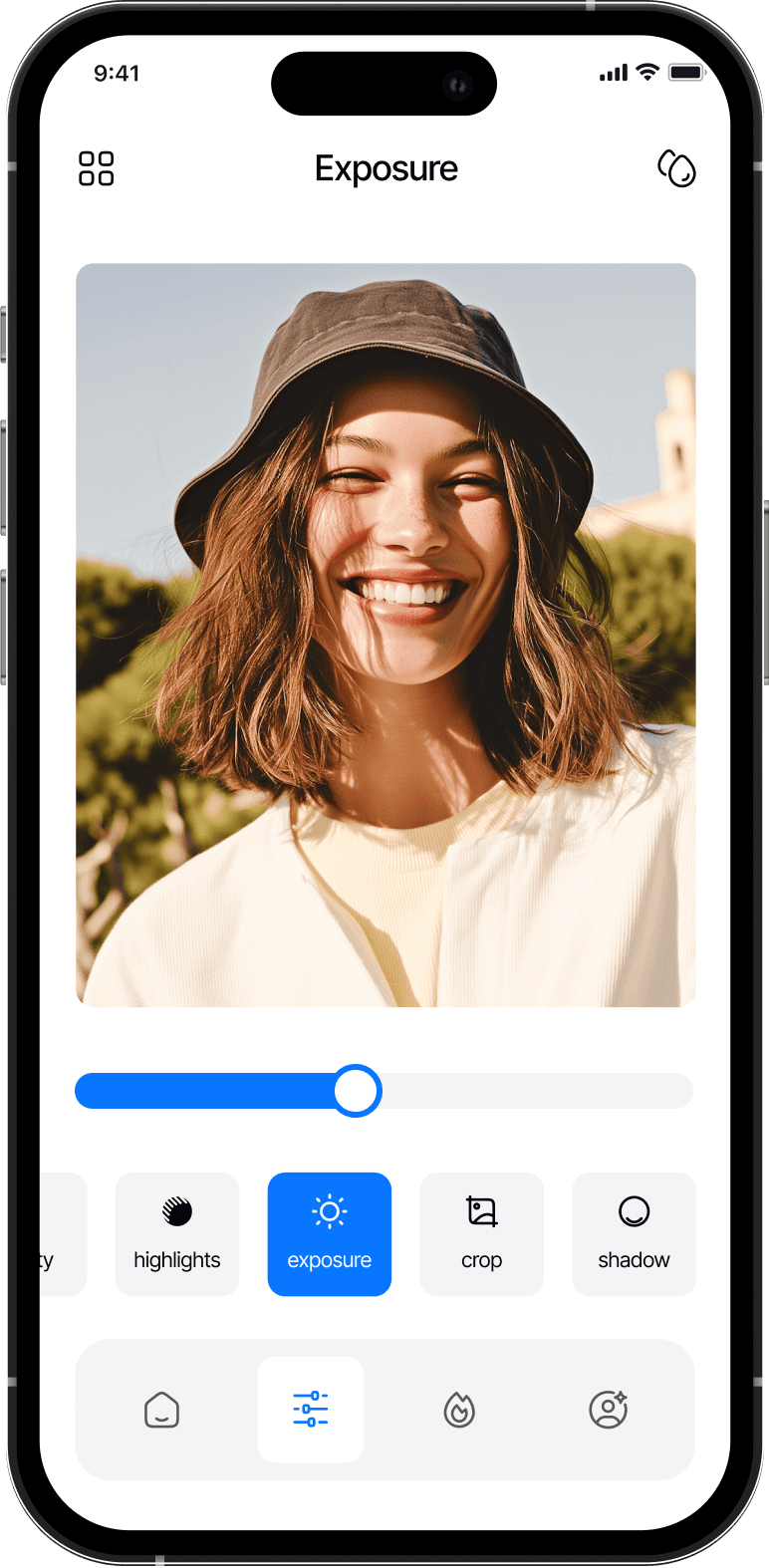
Desktop, tablet, and phone. Right in your browser.
Export high-quality images, ready to share.
Our AI face retouch smooths skin, brightens features, and enhances natural beauty in every portrait.
Our AI background remover quickly isolates your subject, giving you a sharp, professional result every time.
Our smart blur tool adds natural depth to your photos, making subjects pop effortlessly.
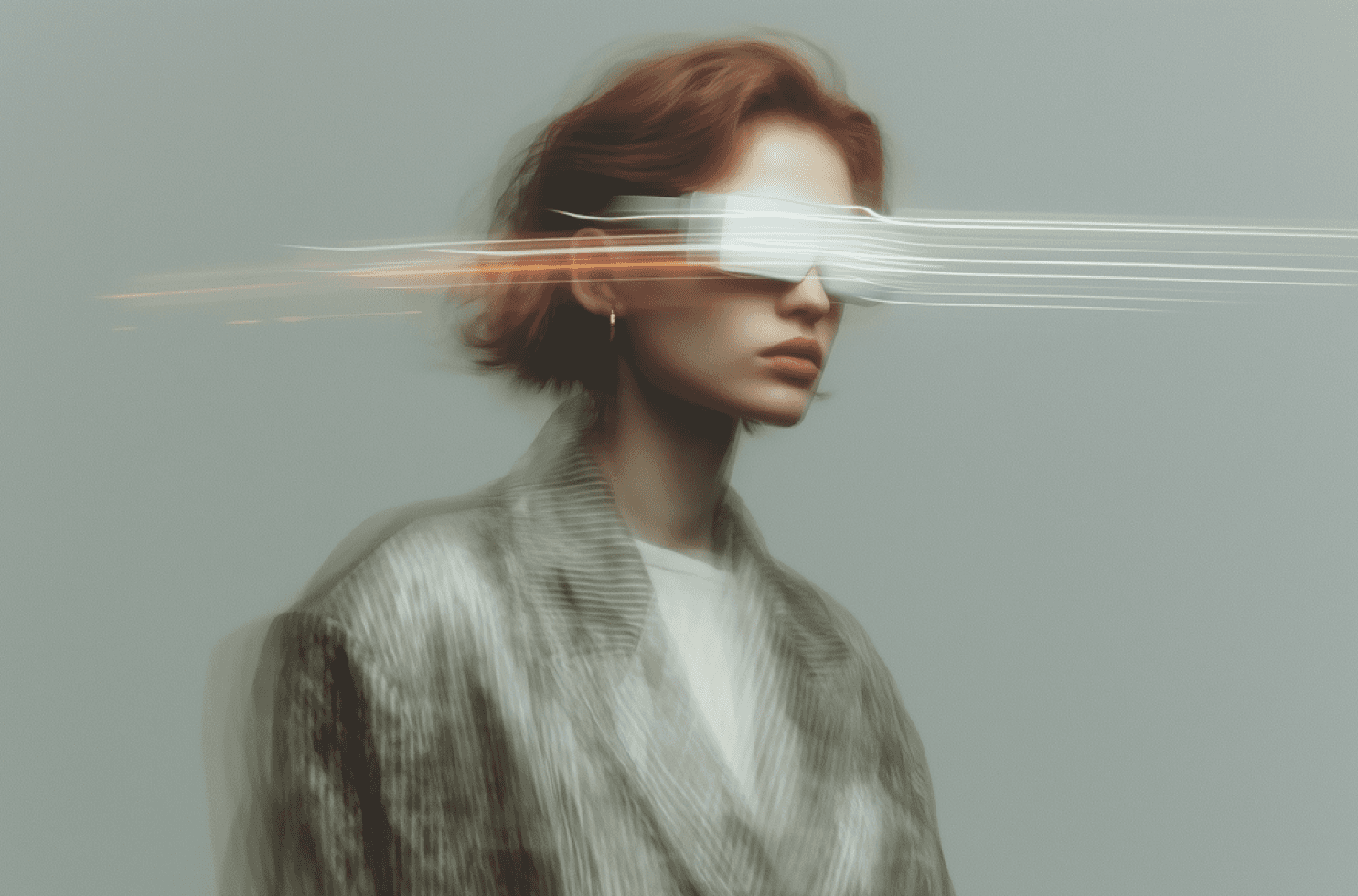
Our AI transforms your selfies into stunning avatars with artistic effects and creative variations.
Create visuals faster with AI tools that enhance creativity and streamline workflows.
Optimize product photos instantly to boost customer trust and increase online sales.
Edit, retouch, and enhance photos with precision for professional, polished results.
Generate eye-catching visuals that drive engagement and amplify content impact.
Create visuals, diagrams, and learning materials effortlessly with AI assistance.
Produce branded images and marketing materials that strengthen company identity.
Yes. PixelGlows runs in your web browser on computers, tablets, and phones. No installation or app store is needed.
Your downloaded AI-edited image has no PixelGlows watermark.
No. Upload a photo and describe what you want to change, or analyze the photo for tailored edit recommendations.
Open the editor, upload your photo, and describe the background change you want. Sign in to generate your edited image.
Enhance, retouch, and transform with PixelGlows.